The best place for your notes
Lockbook is an open-source app for Markdown notes and drawings, encrypted on your device and shared only by invitation.
25 MB free · No email required
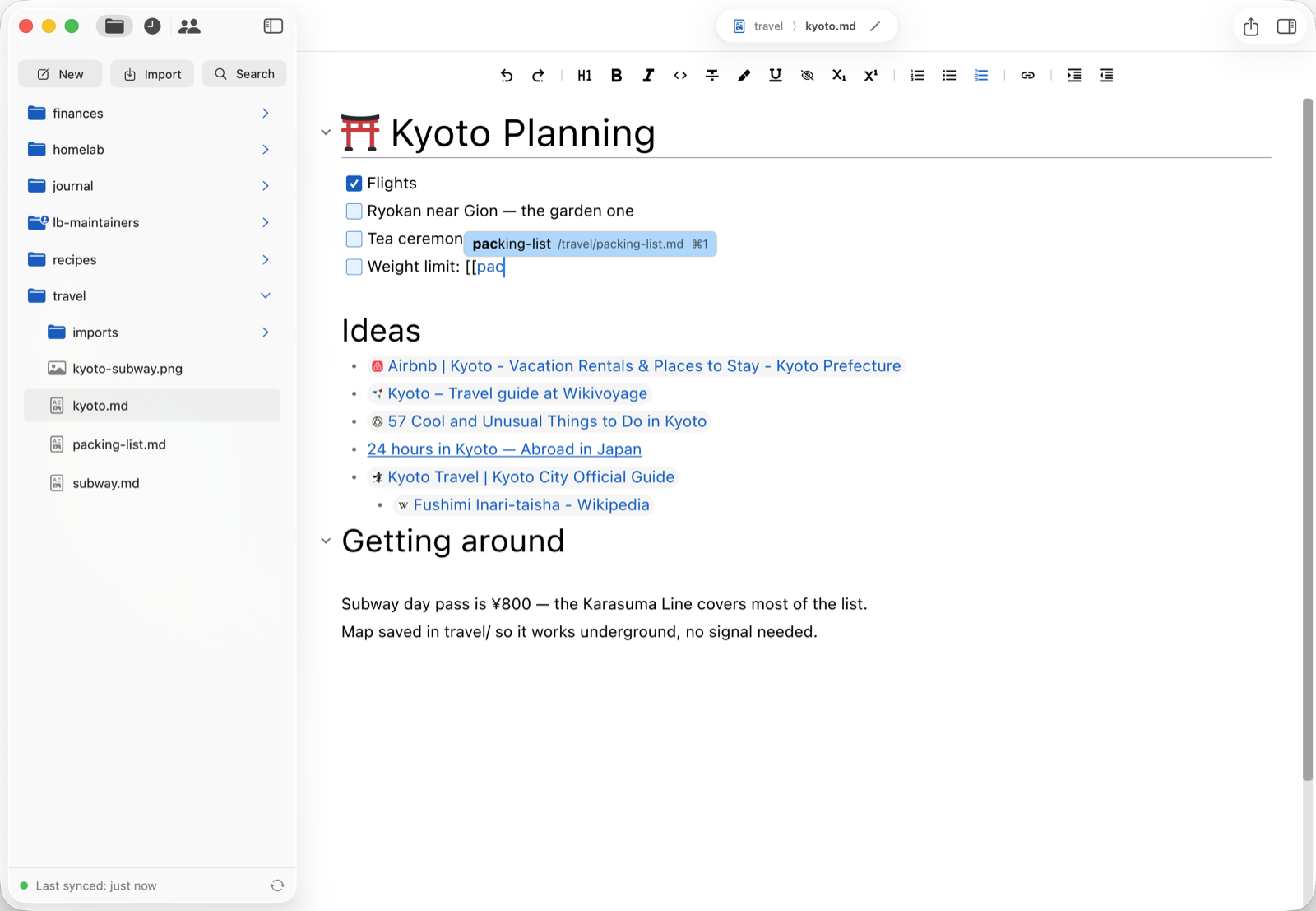
Lockbook is an open-source app for Markdown notes and drawings, encrypted on your device and shared only by invitation.
25 MB free · No email required
Open formats
Headings, lists, and other formatting works seamlessly across Reddit, Substack, ChatGPT, GitHub, and more. Lockbook notes are Markdown, the universal language of the internet.
Lockbook drawings look sharp at any size and in any application because they’re SVG, the universal format for scalable graphics.
Your Lockbook stays organized wherever you export or back it up because it’s plain folders, the universal way to organize files.
Use Lockbook to write notes and drawings, preview photos and PDFs, and store anything else.
Encryption
Lockbook encrypts your notes on your device before they sync, so no one else can read them — not even us. When you share a note, only the people you invite can open it.
Finished 1984 on the train.
The telescreen never had to watch everyone. It only had to make everyone feel watched.
I write differently when I feel watched. So this lives here now.
mK2x+9QfLw3eYaZv0dR
u8PJq4Tn6RcXbGdV1e+
Hs5AyEw7Zk+jMoN2iQd
p7Rc/Xw2mBhT4nEuJ8f
d3FrUvLB9tXq/W6pCsA
Qn9tYe2L+cVw4xKzM0b
aZ7fHs1Dm8Rj/Ep3TvW
kW4uNc6Bx9Ly+Gq2Pf0
tJ1oRd5Va3Zm/Ck8Xy+
e6Ms2Hf9Ub7Nw0Lq+Yi
Platforms
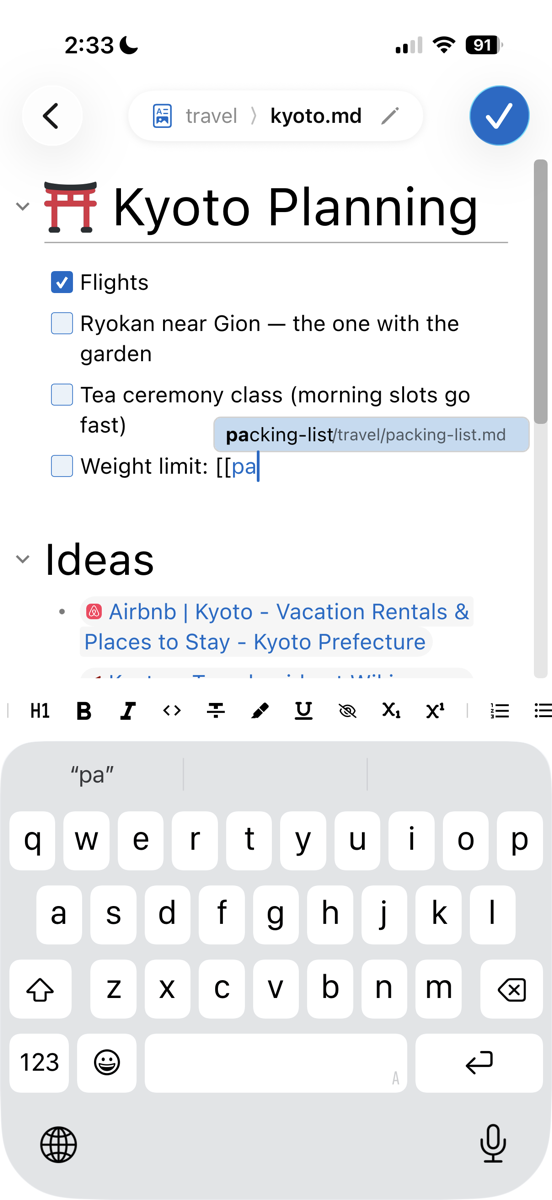
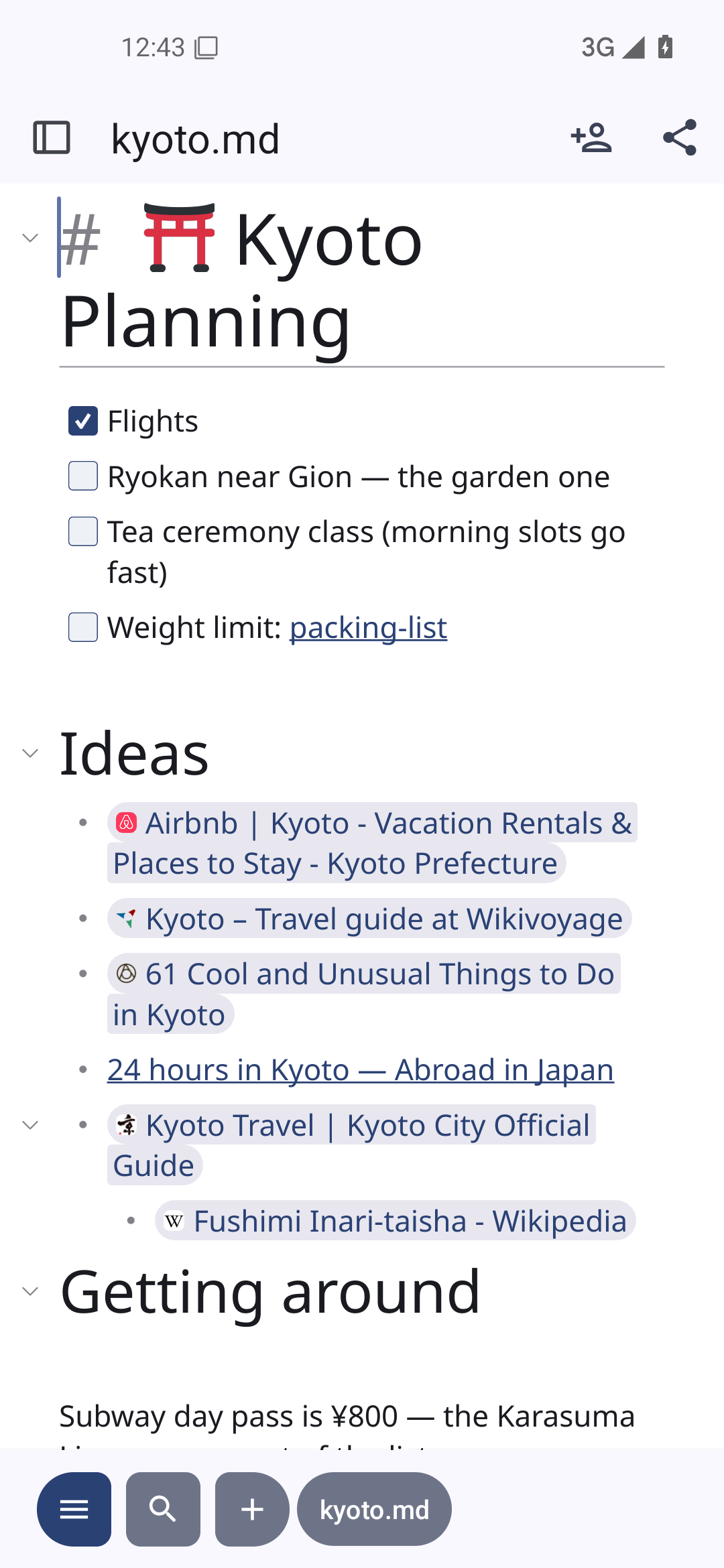
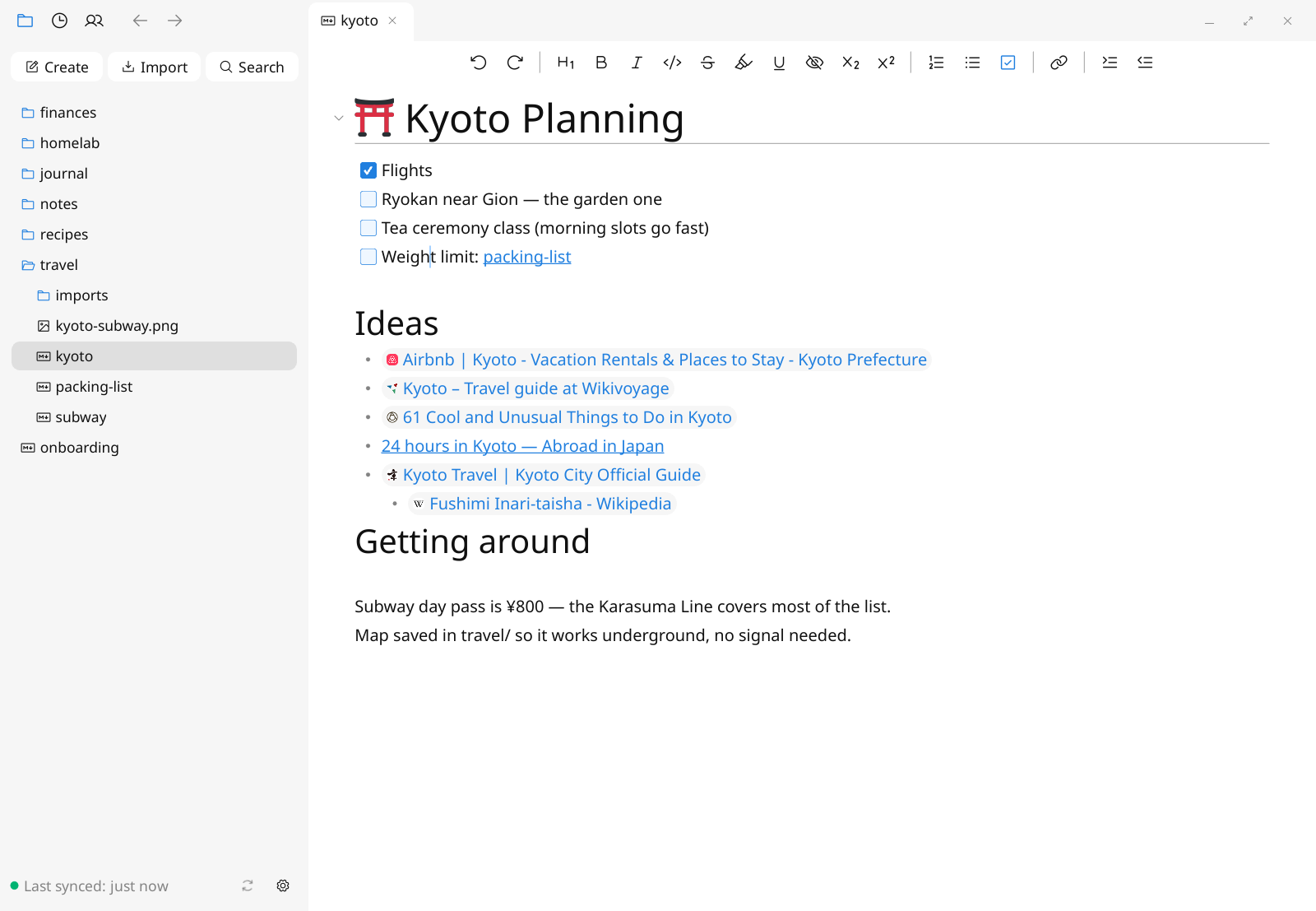
Lockbook is built for each platform it runs on, so it’s fast and feels right on your Mac, iPhone, Android, Windows, or Linux device. Your notes live on your device, so they’re there even when the internet isn’t. See it on:
Developers
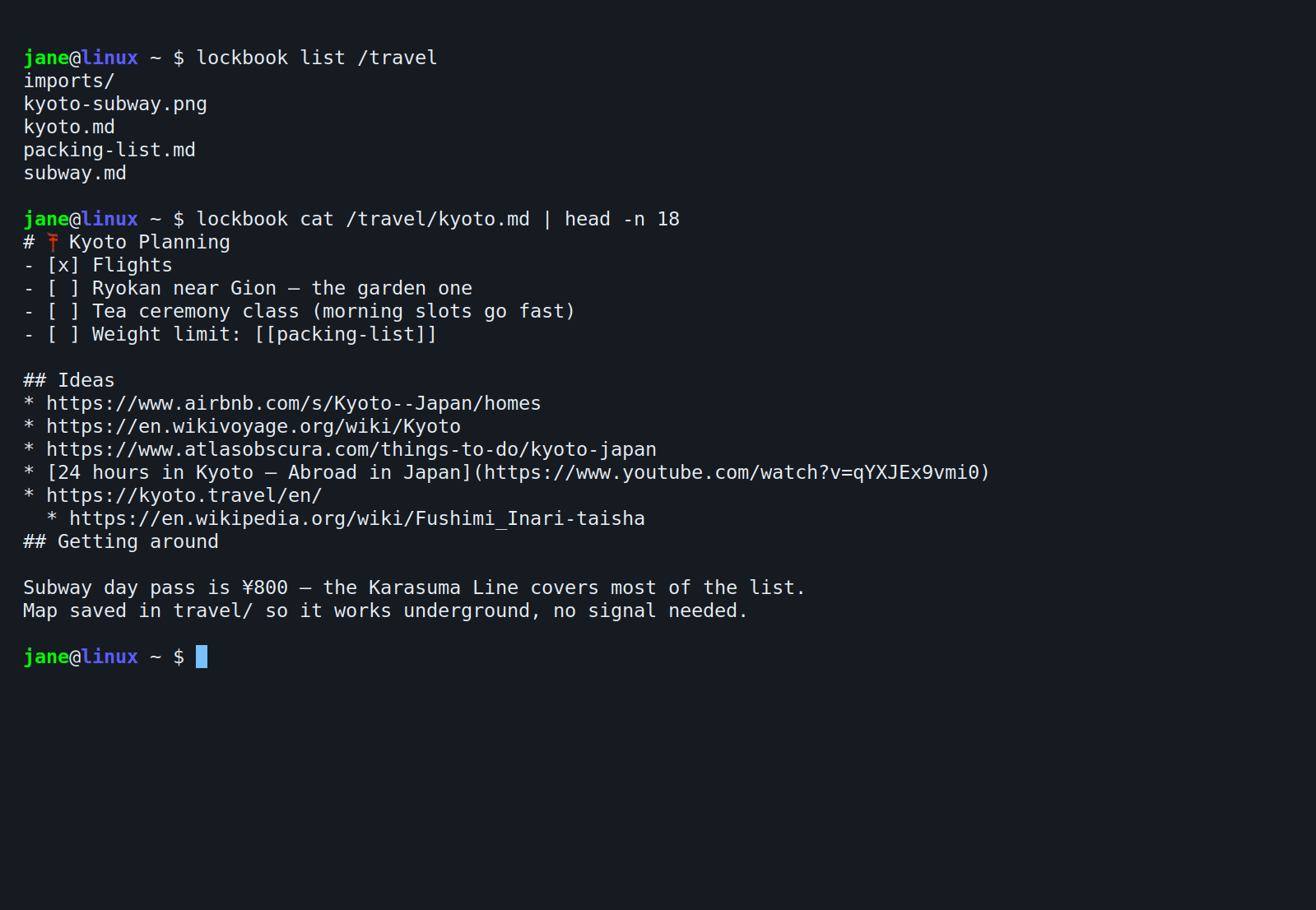
Search with fzf, edit in $EDITOR, pipe notes into
anything, or run lockbook fs to mount everything as a drive.
When the shell isn’t enough, build on the same Rust library our
apps use.
lockbook — the private, polished note-taking platform

USAGE
    lockbook <command> [args...]

COMMANDS
    account   account management commands
    copy      import files from your file system
    edit      edit a document
    export    export a lockbook file to your file system
    fs        mount your files as an NFS drive
    list      list files and file information
    search    search file paths and document contents
    share     sharing related commands
sync sync your local changes back to lockbook serversPricing
We sell a notes app, not your data.
Premium
$2.99/month
30 GB of encrypted storage
Room for photos, PDFs, and everything else.
Subscribe in the app